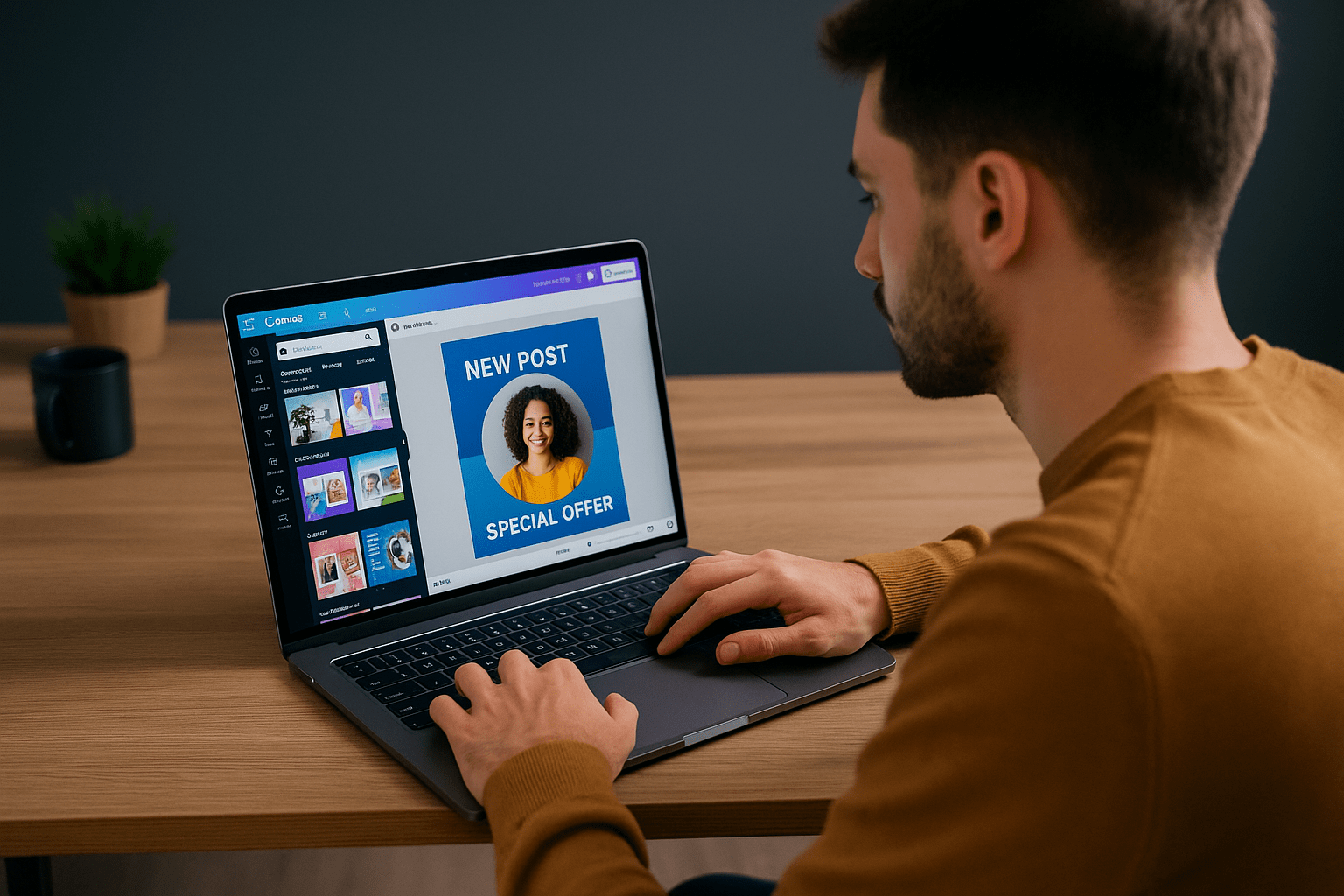

Design has always been a creative and inspiring field. In the past, it was limited to people who had years of experience with software like Adobe Photoshop or Illustrator. Things have changed now. Canva has made designing easy and accessible for everyone. Even if you are a complete beginner, you can create professional-looking designs. The best part is that these skills can be turned into real income opportunities.
Why Canva is Easy to Use
Canva is designed for people who do not want to spend months learning complicated tools.
- Templates for everything: You will find ready-made designs for resumes, social media posts, business cards, presentations, and more.
- Simple interface: The drag-and-drop editor makes creating designs quick and stress-free.
- Works on any device: Canva is just as easy to use on a phone as it is on a computer.
- Low cost: The free version is powerful enough for beginners. The paid version adds extra features but is still affordable.
Turning Canva Into a Skill You Can Sell
Canva is not just a tool to create personal projects. Many people are earning by offering Canva-based services.
- Freelancers design social media posts, banners, and flyers for businesses.
- Creators sell ready-made templates on marketplaces like Etsy.
- Small businesses hire Canva designers to handle their day-to-day graphics.
This means you do not need to be an Adobe expert to build a freelance career. With creativity and consistency, Canva can open the door to new income streams.
Canva or Adobe: Which One is Right for You?
Adobe is still the industry standard for complex and high-level design projects. Professionals who create detailed illustrations or advanced animations will always prefer Adobe tools. But if your goal is to create clean and modern designs quickly, Canva is more than enough.
👉 Try Canva directly at Canva.com
How to Get Started with Canva
It is very simple to begin.
- Create a free Canva account.
- Explore templates based on your interests.
- Practice editing fonts, colors, and layouts.
- Build a small portfolio and share it on freelance platforms like Fiverr or Upwork.
Once you have some practice, you can start offering services to clients or even sell templates as digital products.
Final Thoughts
Canva has changed the way people look at design. It proves that you do not need years of training to create something professional. What matters most is your creativity and your ability to understand what people want. If you are ready to begin your creative journey, Canva is one of the best platforms to start with.
At Webphic.com, I, Laila Mehroz, believe that good design is about clear ideas and simple execution. Canva is the perfect example of how design can be both accessible and professional at the same time.